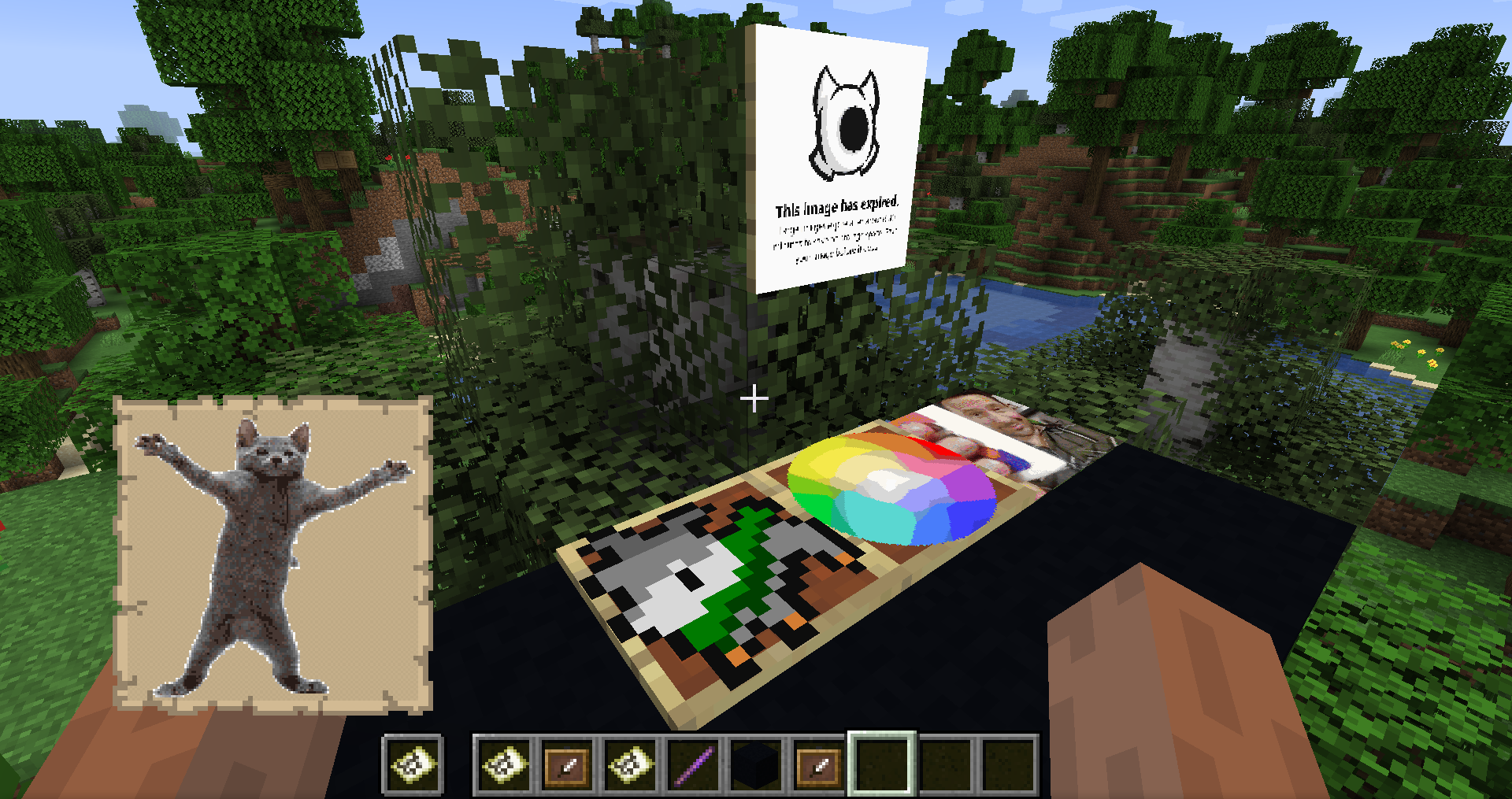
Commands:
/image2map create <WIDTH> <HEIGHT> <[dither/none]> <URL> - Creates map of specified size (in pixels, single map is 128x128), with/without dither, using provided image
/image2map create <[dither/none]> <URL> - Creates map with/without dither, using provided image
/image2map preview <URL> - Creates dynamic preview before saving the map as item
Commands in preview mode
/dither <[dither/none]> - Changes dither mode
/size - Displays current size
/size - Changes size of map to specified one (in pixels, single map is 128x128)
/grid - Toggles visibility of map grid
/save - Exits preview and saves map as items
/exit - Exits preview without saving
Multimaps
In case of maps bigger than 128x128 pixels, you will get them in a bundle. Clicking with it on top-left corner of item frames will put all maps in correct places. Works for any item frame on wall, floor or ceiling.